

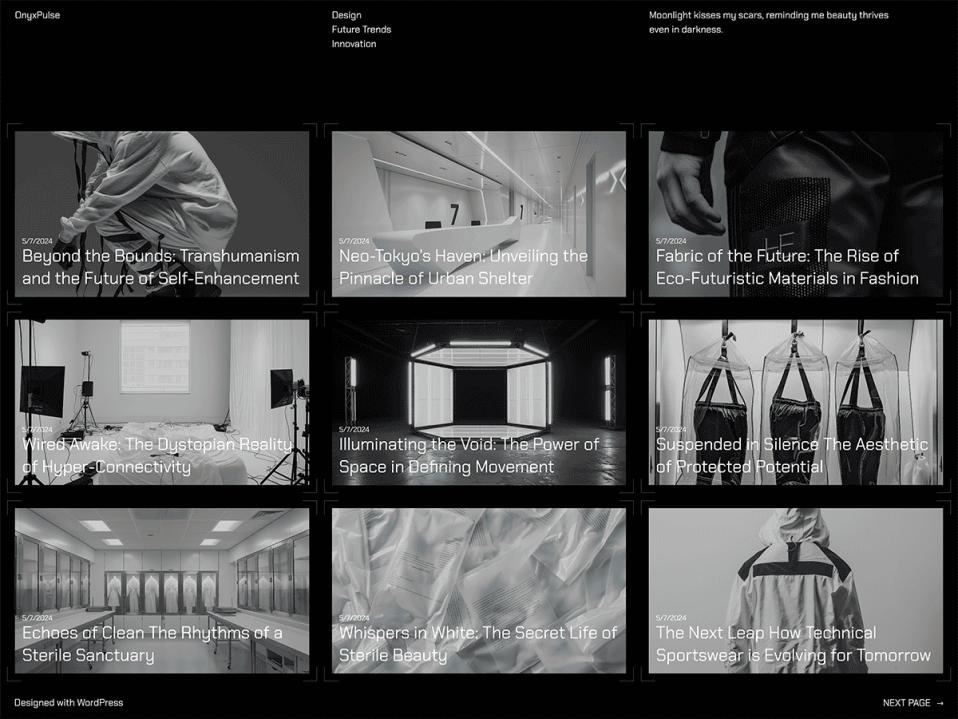
Finally working to revamp site after a few years hiatus. Now using the Theme OnyxPulse with a few issues but getting it customized.
Having Grok & other AI tools for images and helping with coding is getting me back in to this site. It’s like have my own development & research team.
Main issue tonight… If when using OnyxPulse your Archive or Category filter page is just showing the default index & not the posts you expect there is one setting with the latest WordPress version you need to change.
Tips online & AI was saying to look for “Inherit query from template” setting in the block but it is gone…
In recent WordPress versions (6.7 and newer), the old “Inherit query from template” toggle was replaced by a “Query Type” dropdown in the Query Loop block settings.
– Default = Inherit from the template (this is what you want for category/archive pages)
– Custom = Manual/custom query (this ignores the category filter from the URL and shows the same posts everywhere — exactly your problem)
### Fix it right now:
1. In the Site Editor (Appearance → Editor):
– Go to Templates → open the All Archives (or Category Archives / Archive) template.
2. Click on the Query Loop block (the area that lists the posts).
Make sure you select the outer Query Loop block (not the inner Post Template). You may need to click the block navigator (three dots or the list icon at the top of the editor) and select the Query Loop parent.
3. In the right sidebar settings:
– Find Query Type (under the main Query Loop settings).
– Change it from Custom → Default.
That single change should make every category, tag, and archive page now correctly filter to only posts in that category.